 Assistive Nav
Stand-in keys for Android
Button broken? Keep going on screen.
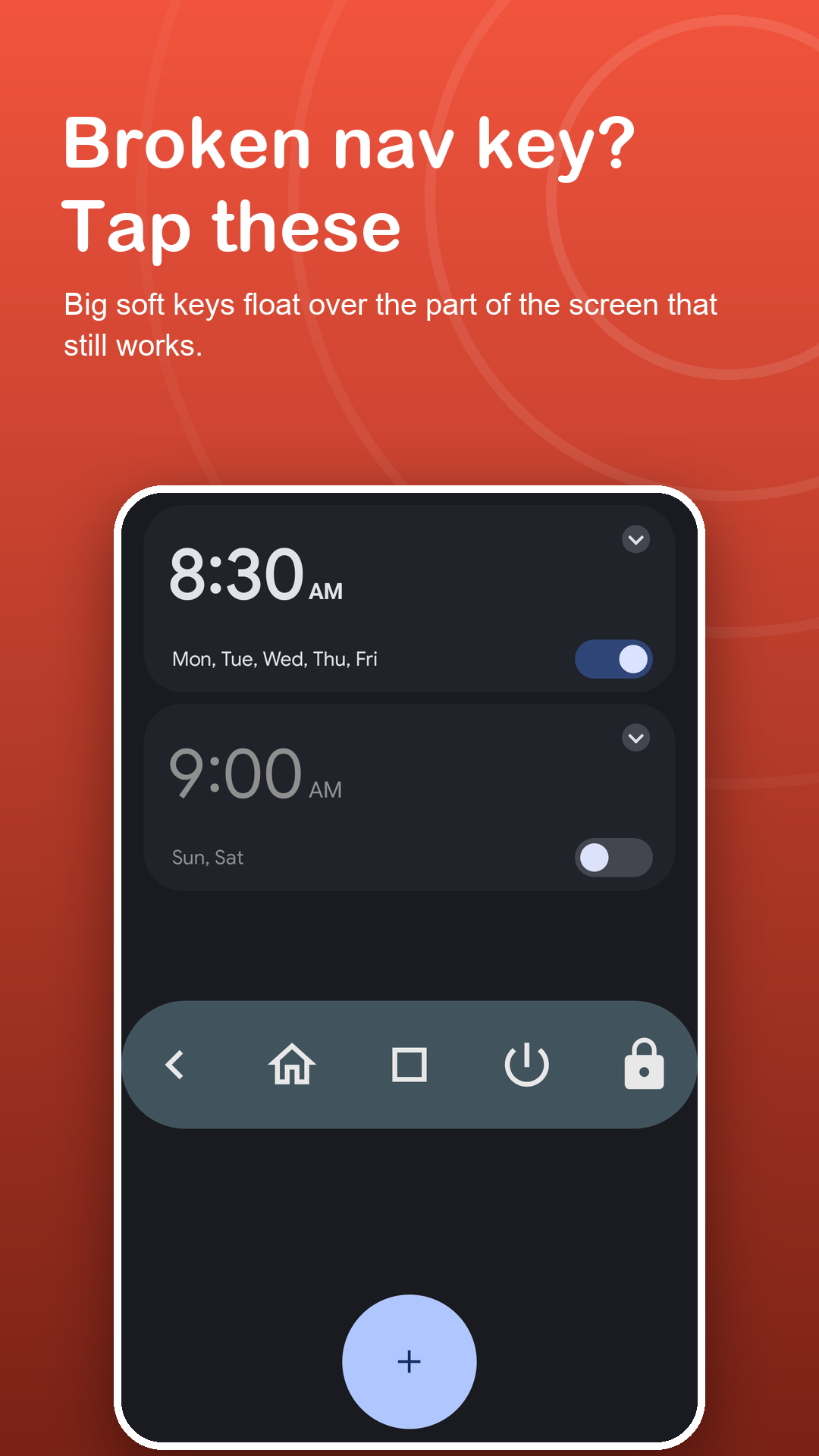
When the side key is worn or the bottom of the screen stops responding, Assistive Nav gives you a floating back key and a small bar of soft keys on the part of the screen that still works.
Free · Android 7.0+ · every key free
Screenshots
Keys where touch still works.
How it works
Working keys in a minute.
Read and decide
A short page lists what the accessibility service does and what it never does. Nothing starts until you agree.
Switch it on
In Android's Accessibility settings, turn on Assistive Nav. A key bar appears at once.
Move it to safety
Drag the keys away from the damaged area, make them larger, and lock them in place.
Features
Replacements for the keys you lost.
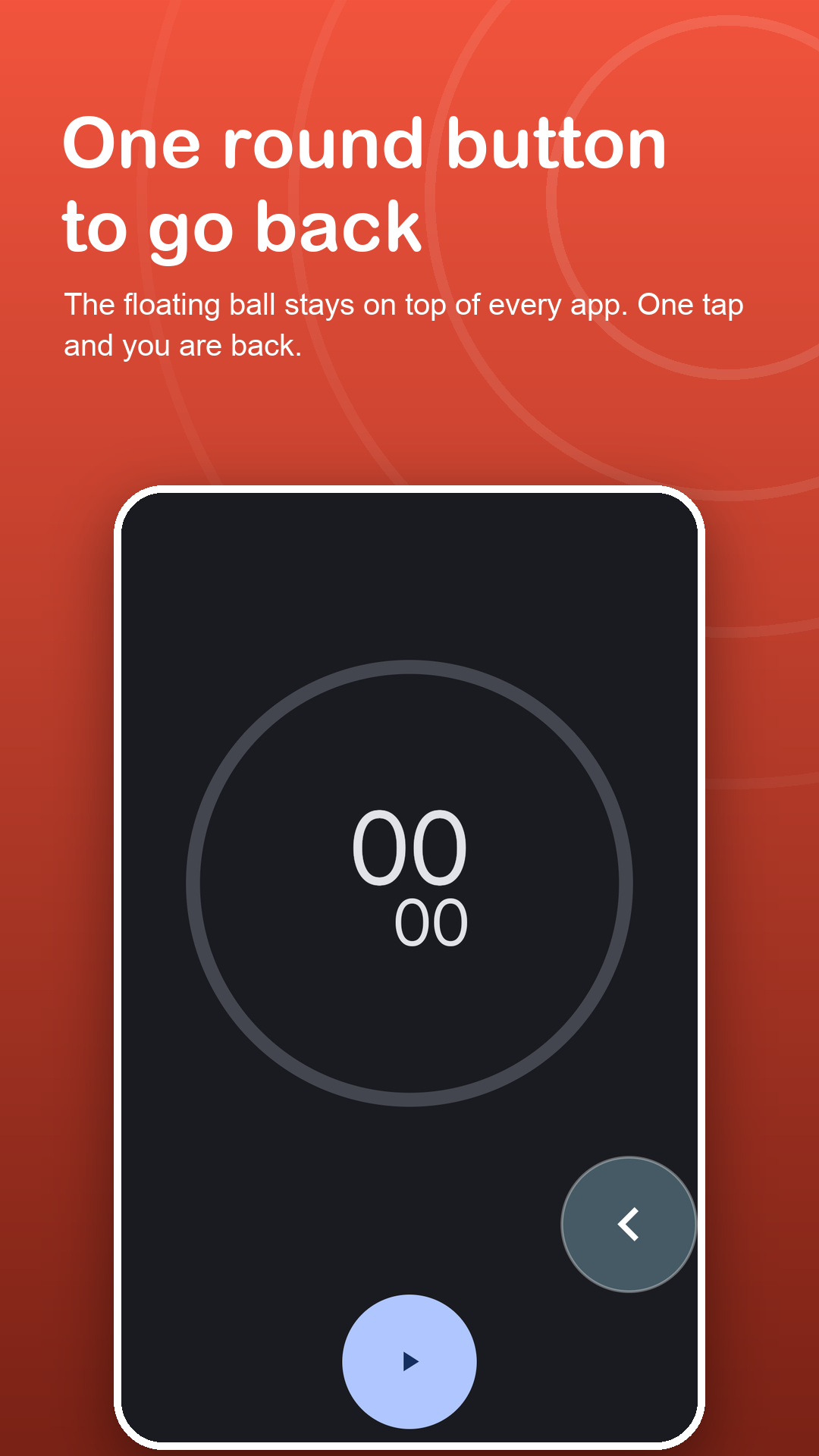
Floating back button
One round button on top of every app. Tap it to go back.
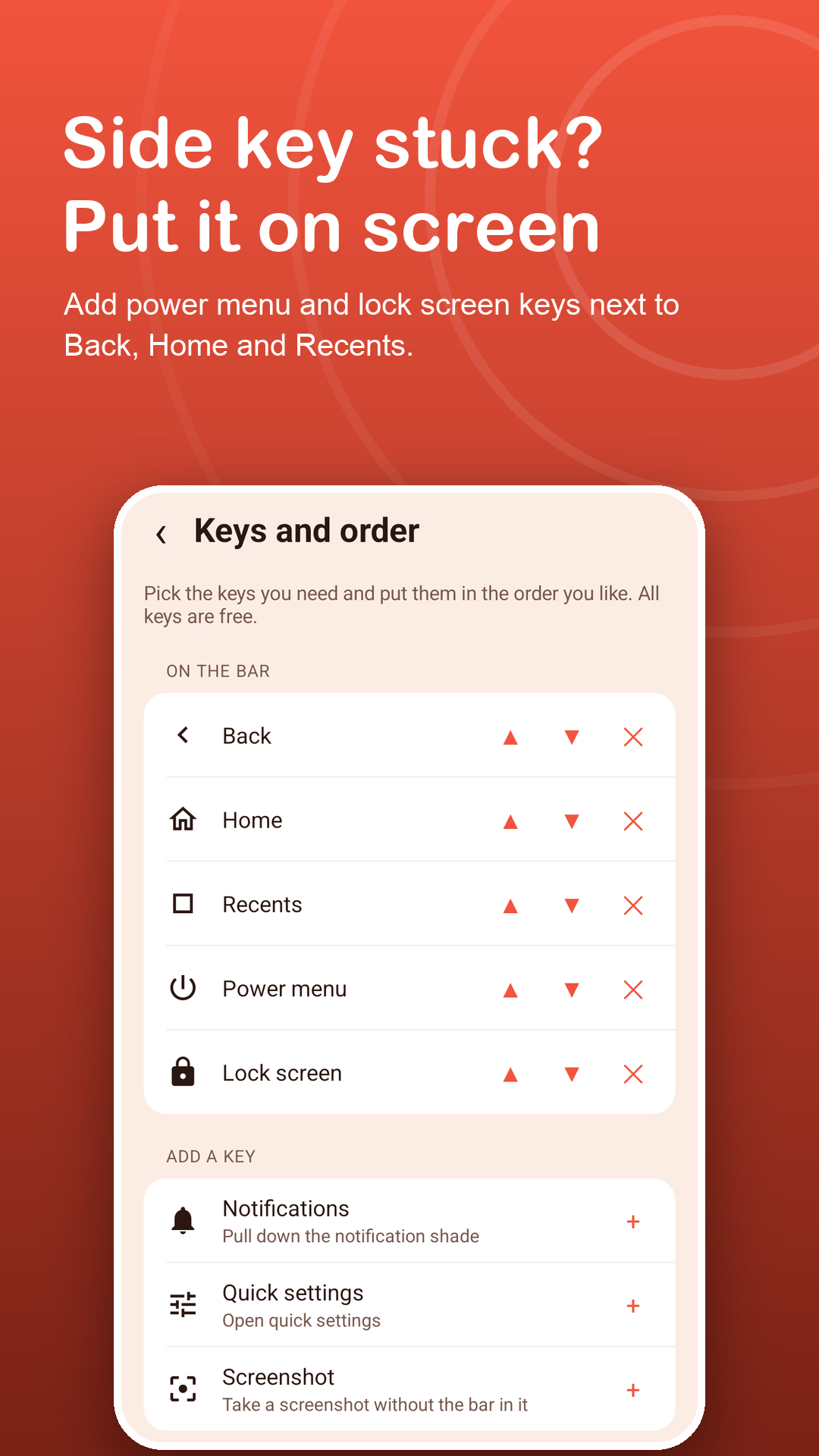
Power menu on screen
Restart or power off when the side key is stiff or broken.
Lock and screenshot
On Android 9+, lock the screen or take a screenshot without the hardware keys.
Large, clear keys
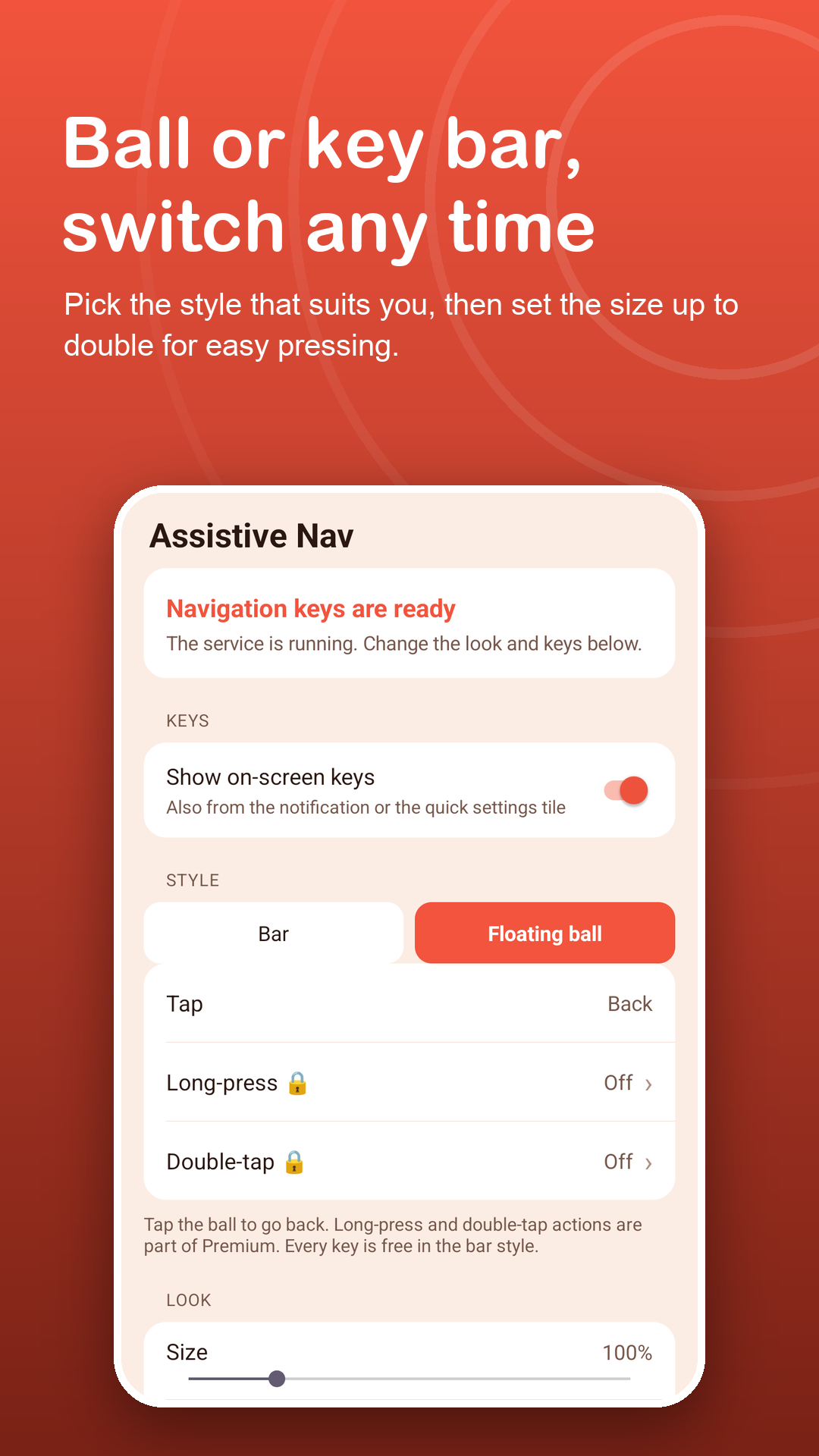
Up to twice the normal size with adjustable opacity, easy for older eyes and bigger fingers.
Stays put
Lock the position so an unsteady hand does not move the keys.
Help when keys vanish
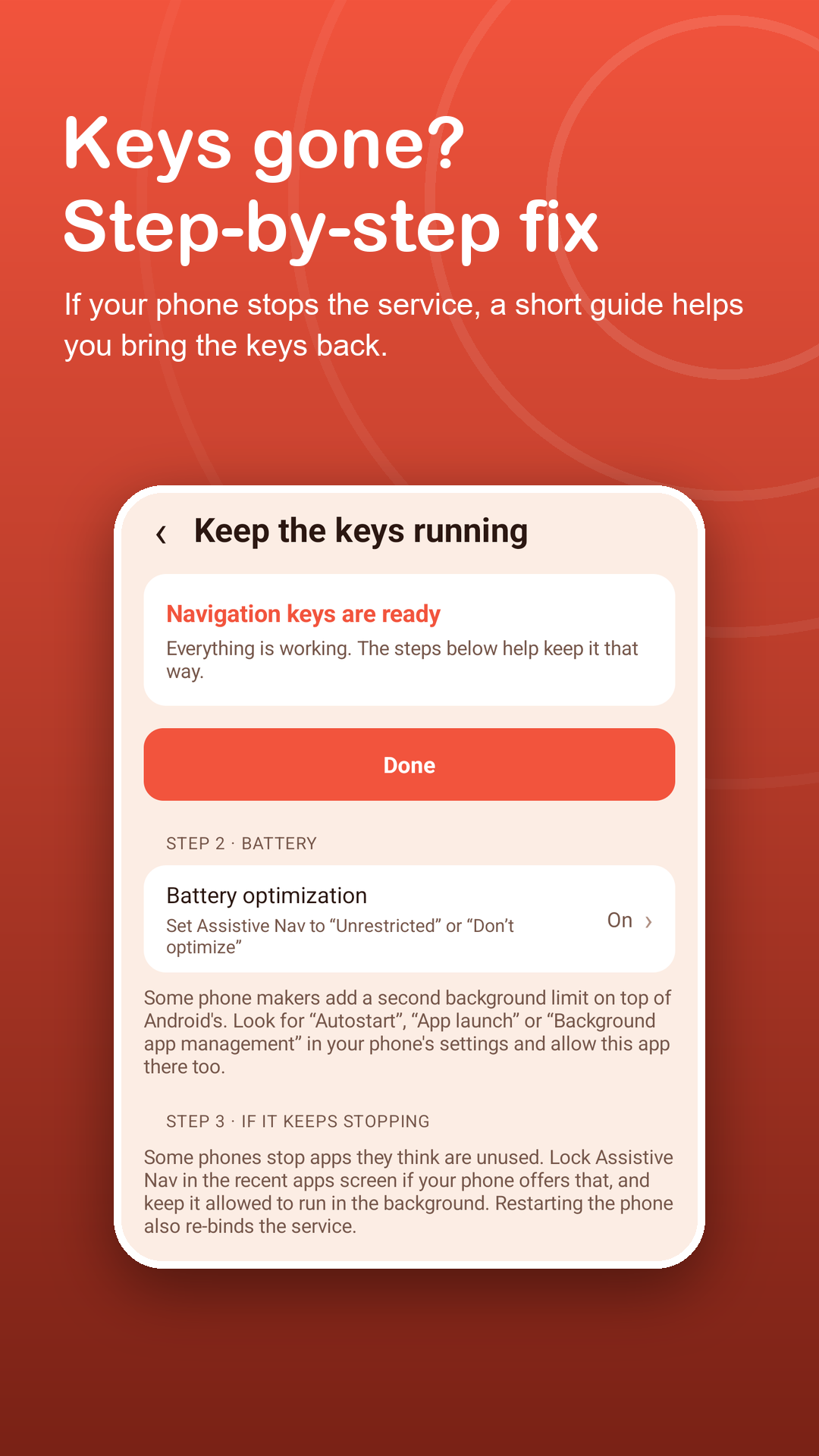
If the phone stops the service to save battery, the app shows it and guides you through a restart.
Privacy
It presses what you tap. It reads nothing.
Assistive Nav uses the AccessibilityService API only to carry out the key you tap and to show its keys. No data is collected through the Accessibility API, and the service never acts on its own. Read the privacy policy.
FAQ
Fair questions.
Can it fix my broken button?
No, it cannot repair hardware. It gives you working on-screen keys for Back, Home, Recents, the power menu and more while a button does not work.
Why does it need the Accessibility service?
It is the only Android API that lets an app perform Back, Home and Recents for you. Assistive Nav uses it only for the action you tap and to draw its keys.
Is my screen or typing collected?
No. The service cannot read your screen, does not see what you type, including passwords, and collects no data. You can turn it off at any time.
Which keys need a newer Android version?
Lock screen and Screenshot need Android 9 or newer. All other keys work on every supported version.
Where do ads appear?
Only inside the app: a banner on its home screen and, now and then, a full-screen ad when you return to it. Ads never appear on the keys or over other apps.
What is free and what is Premium?
All keys and both styles are free. Premium removes ads, adds long-press and double-tap actions to the floating ball, and unlocks four extra skins. Monthly, yearly or lifetime.